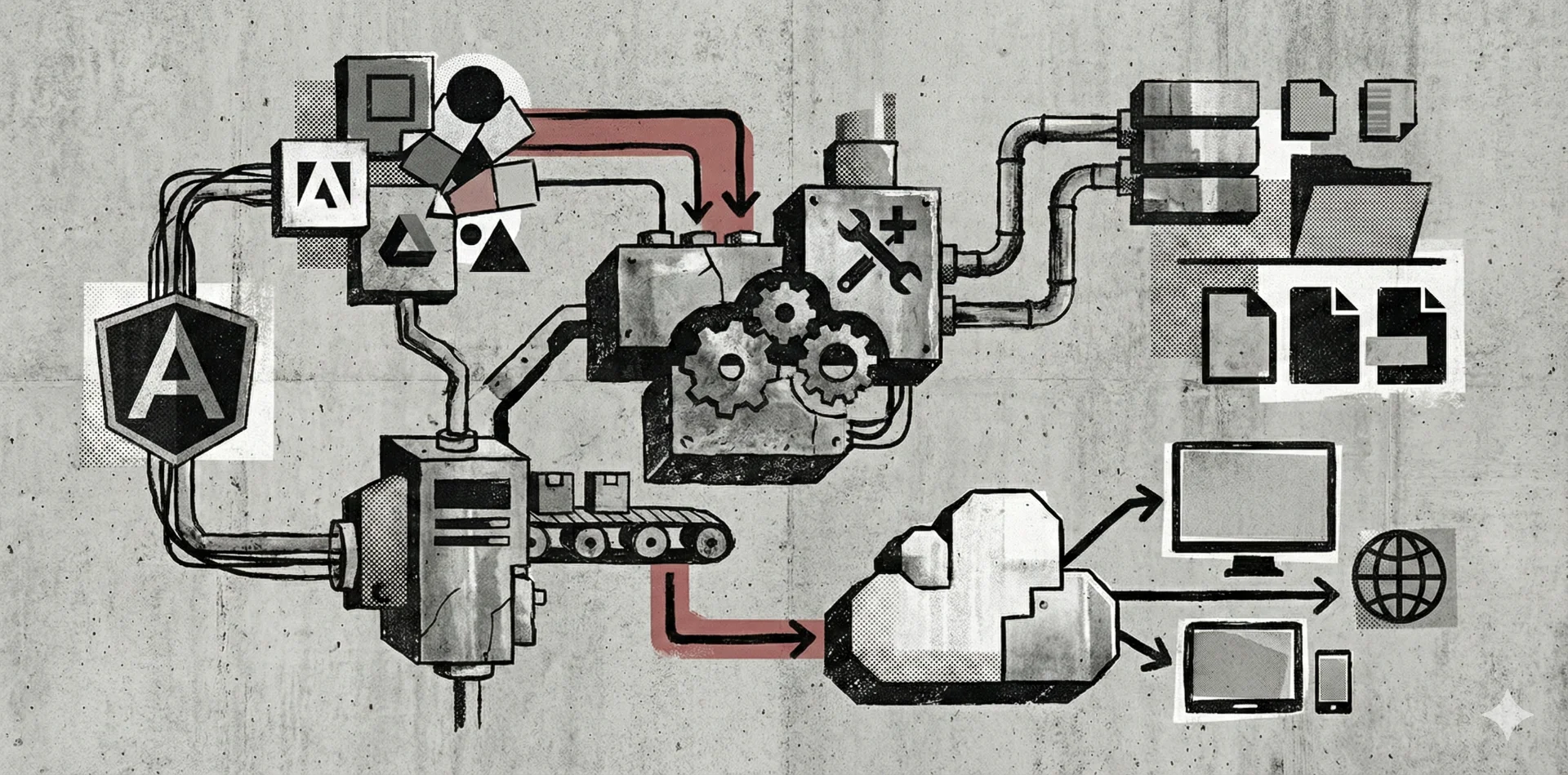
The Anatomy of a "Self-Healing" Brand Asset System
Tired of being a file clerk for logo requests? Discover how SendTheLogo's self-serve brand portals turn chaos into a single source of truth. Upload onceem
You are a strategic marketer. You are a creative lead. You are the guardian of the brand.
But let's be honest: half the time, you feel less like a strategist and more like a glorified file clerk.
The problem isn't your organizational skills. The problem is the tool you're using. Whether it's Google Drive, Dropbox, or that "Final Logos" folder on the server, you are fighting a losing battle against entropy. Files get moved, renamed, and duplicated. Old versions linger like ghosts. People ask you for the same vector file three times a week.
This is "Logo Chaos," and it is the villain of our story.
At SendTheLogo, we built a system designed to defeat this villain. We didn't just build a storage locker; we engineered a brand asset delivery platform that acts as a single source of truth. Here is the technical breakdown of how our file system turns chaos into order.
The Hierarchy: Families vs. Folders
In a traditional file system (like your OS or Dropbox), a file is just a file. It doesn't know what it is. A `logo-icon-red.png` has no relationship to `logo-primary-blue.eps` unless you manually put them in the same folder.
SendTheLogo uses a relational database structure designed specifically for brand identity.
1. The Logo Family
At the top level, we have the Logo Family. This is the parent container. Think of this as the "Concept." For example, your "Primary Corporate Logo" is a family.
2. The Variations
Inside that family, we have Variations. These are the specific executions:
- Horizontal/Landscape layout
- Stacked/Vertical layout
- Icon Only (Logomark)
- Wordmark
- Monochrome/Reversed
The Ingestion Engine: Beyond Simple Storage
When you drag a file into SendTheLogo, we don't just save it. We interrogate it.
Our ingestion engine runs a multi-step analysis on every upload:
- Format Detection: We identify if the asset is Vector (AI, EPS, SVG, PDF) or Raster (PNG, JPG, WebP). This determines the downstream capabilities.
- Perceptual Color Clustering: This is where we get nerdy. We don't just grab every hex code in the file. We use an algorithm to identify the dominant visual colors, filtering out near-whites and near-blacks.
- Automatic Thumbnailing: We render a visual preview instantly, so nobody has to open Illustrator just to see if they grabbed the right file.
The Conversion Layer: On-Demand Generation
This is the biggest differentiator between a "dumb" folder and a "smart" Brand Page.
In a folder system, if you want a 200px PNG, a 500px PNG, and a vector PDF, you have to create and save three separate files. If you change the logo, you have to update all three.
SendTheLogo uses On-Demand Asset Generation.
You upload the master Vector file once. From that single source of truth, our system dynamically generates the outputs your users need:
- For the Web Dev: Clean SVGs.
- For the Social Team: 1024px PNGs and favicon sizes.
- For the Printer: High-fidelity Vector PDFs and 3000px print-ready PNGs.
If you ever need to update the logo, you replace the master file, and every downstream format on your Brand Page is updated automatically. Your link stays the same. The content stays fresh.
The Unique Value Proposition: Why Not Just Use Dropbox?
We get asked this a lot. "Why can't I just send a Dropbox link?".
You can. But that puts the burden on you.
When you send a folder link, you are forcing the recipient to hunt. They have to know the difference between `.ai` and `.png`. They have to guess which color profile to use. And if they can't figure it out, they email you. Again.
SendTheLogo is purpose-built to eliminate that friction:
- Visual Navigation: It looks like a professional Brand Page, not a file directory.
- No Login Required: Your partners don't need to create an account to download a logo.
- Self-Serve Intelligence: We guide them to the right format in the Brand Asset System so they don't have to ask you.
Conclusion
You shouldn't have to be a file clerk. You should be building the brand, not emailing attachments.
By moving from a static file folder to a dynamic Brand Page, you solve the philosophical problem of brand management: It should be simple for people to get the right logo the first time.
Stop babysitting files. Let the system do the work.
Upload once, share a link, never resend logos again. Create your free Brand Page today.